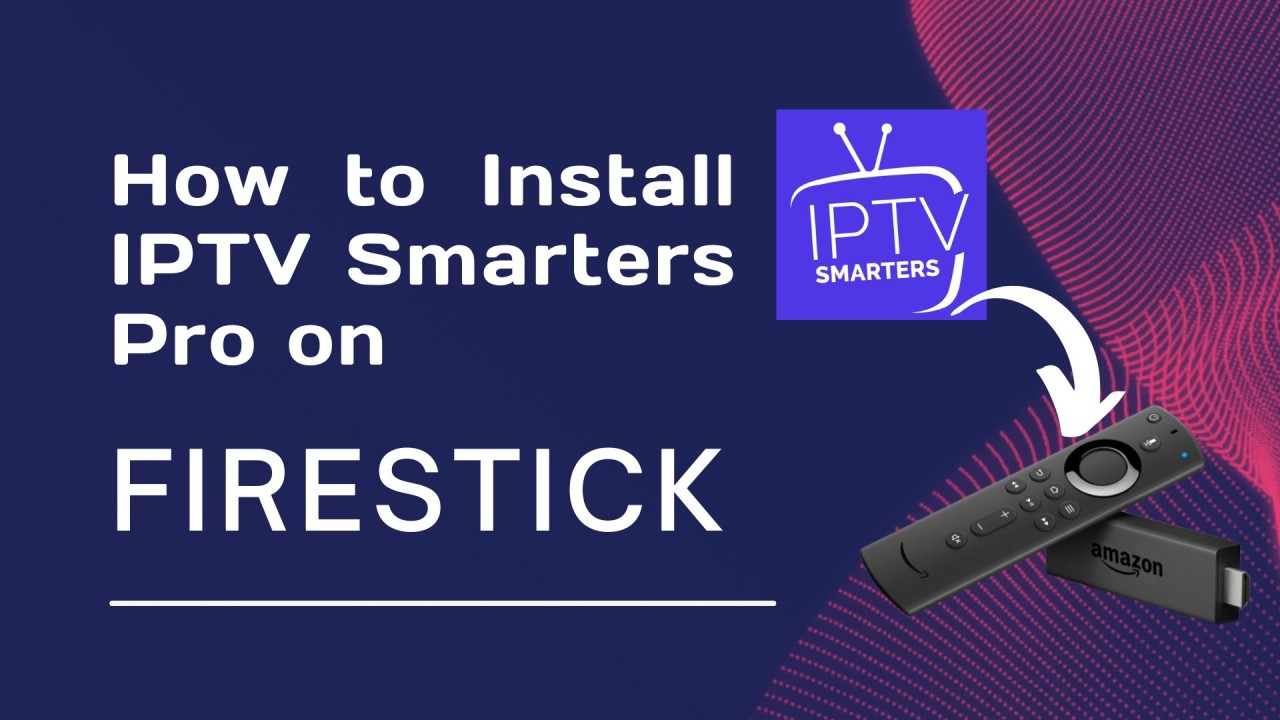
Download IPTV Smarters on Firestick ? If you want to expand your streaming capabilities by having IPTV Smarters on your Firestick, you are in the right place. This platform offers an all-around streaming experience with a wide range of live TV channels, VODs, series, and even live radio directly on your Firestick device. To ensure you do not encounter difficulties while downloading and installing IPTV Smarters on your Firestick, this well-explained guide is an easy-to-follow procedure. Be sure that this will allow you to be spoilt for choice with numerous captivating contents at your fingertips.
How to download IPTV Smarters on firestick?
Before the installation process of IPTV Smarters begins on your Firestick, the initial step involves allowing apps from unknown sources to be enabled. You need this feature because IPTV Smarters is a sideloaded application on your Firestick.
Here is a video explaining how to enable apps from unknown sources option on firestick:
To access your Firestick’s settings, you must open the home screen and find the option called “Settings.”
Depending on your Firestick version, you will need to navigate through either “My Fire TV” or “Device” in the menu.
You should click “Developer Options” and enable the toggle switch for the “Apps from Unknown Sources.”
Caution : One should be aware that permitting the installation of applications from unknown sources might create a vulnerability for their device
It is better to download apps only from safe and secure sites
Suppose you want an effective way of getting applications onto your Firestick to sideload them. In that case, one very important method is installing the Downloader app. Here are the steps you should follow to acquire the Downloader App.
Step 1: Install the Downloader App
On the home screen, . In the search box, type in the word “Downloader” and click on it among the displayed search results.
To start the installation process, look for the app icon and tap on it. Then, choose “Download” or “Get” to begin the installation. After you have completed installing the app on your device, you can go ahead and open it by clicking on the Downloader app.
After effectively installing the Downloader app, proceed to
Step 2: Download and Install IPTV Smarters so the process can be completed successfully
The first step is to open the Downloader app. Then, type the download link of IPTV Smarters in it and make sure that you choose a reliable and updated source for the download link.
IPTV SMARTERS DIRECT CODE : 78522
IPTV SMARTERS LINK : https://www.iptvsmarters.com/smarters.apk
IPTV SMARTERS PRO / PREMIUM UNLOCKED : https://fhdgate.com/p.apk
Please start the download by pressing the button marked “Go”
The IPTV Smarters APK will be downloaded as soon as you do that.
When the download is completed, a new installation window will appear, and then you only need to choose “Install”
At the point when the installation is complete, choose the ‘Done’ option on your device to free up storage.
Step 3: Start IPTV SMARTERS Pro
To return to Firestick’s home page, you’ll need to go to the “Your Apps & Channels” section and find the IPTV Smarters pro app there. If you can’t see it on the first try, just scroll down and click “See All” or “App Library” until you find it.
If you want to use IPTV Smarters on your Firestick, launch the app and type in all the necessary data your IPTV provider sends. It is all about username, password, and server URL. Here are some great tips for using IPTV Smarters on your Firestick!
To provide a seamless IPTV service, it is necessary to connect your device to a reliable and uninterrupted internet connection. Suppose you want the best performance from this media source. In that case, we recommend considering an Ethernet connection or installing a Wi-Fi extender to ensure a stable system connection.
A VPN service is highly recommended to protect your privacy and unblock some content due to geographical restrictions. With the help of a VPN, you can shield your digital presence from prying eyes and make your streaming experience more enjoyable, as your ISP will set no limitations.
To enjoy all the new features and to be safe at all costs, you must keep updating your IPTV Smarters and Firestick firmware.
Conclusion
IPTV Smarters is a fantastic app you can install on your Firestick to access a wide range of content, including Live TV, movies, and on-demand series. Simply follow the detailed instructions in this manual to download and set up IPTV Smarters on your Firestick smoothly. Enjoy the countless streaming options from the comfort of your living room with ease.
It’s essential to note that the IPTV Smarters media player is versatile, powerful and has all the required features. Also, it would help if you kept in mind that obtaining information from it must be honest and ethical. Have a great time streaming!